
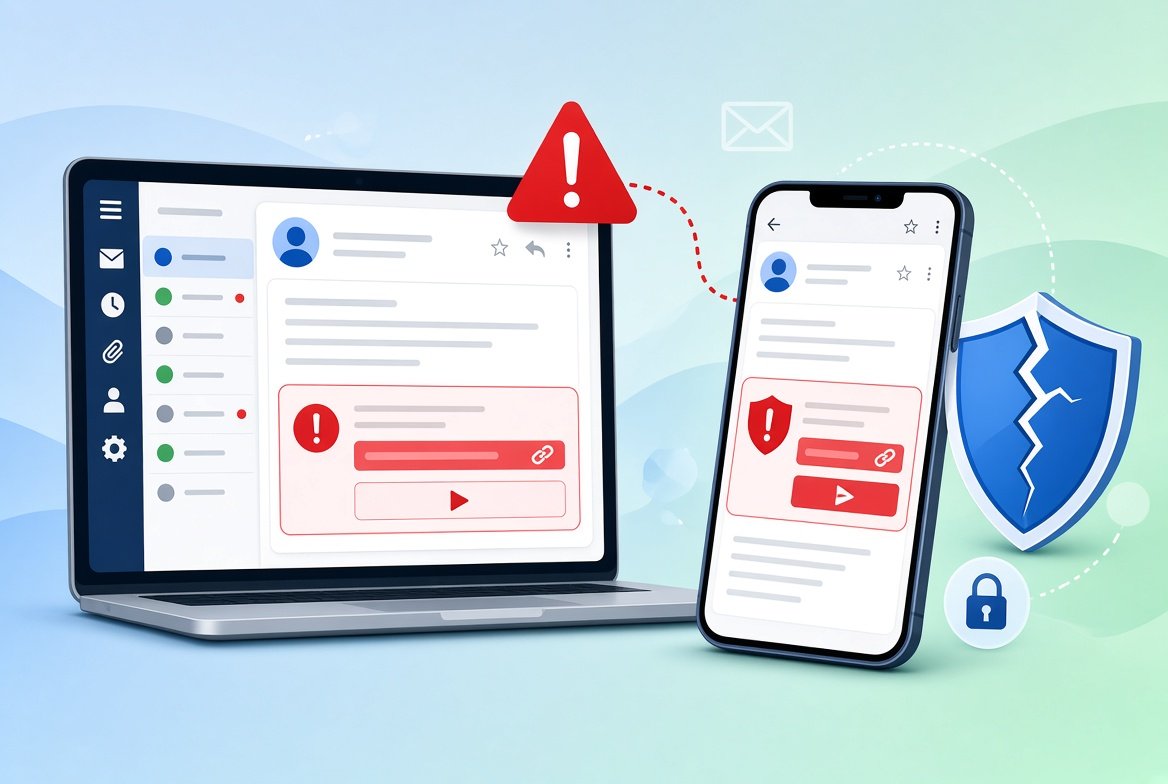
Phishing emails are fake messages that try to trick you into giving away passwords, card numbers or other private details. They can look very real, with the right logo and a friendly tone. This guide shows how to spot a phishing email, step by step.
A few seconds of care before you click can save you a lot of trouble.
What Is a Phishing Email?
A phishing email pretends to come from a trusted source, such as your bank, a delivery company, a government office or a well-known website. It tries to make you click a link, open a file or reply with private information.
How to Spot a Phishing Email: 10 Warning Signs
1. The Sender Address Looks Wrong
Look at the full email address, not just the name. Scammers often use addresses with small errors, such as extra letters, or a free email service instead of the company’s real domain.
2. It Creates Urgency or Fear
Phrases like “Your account will be closed in 24 hours” or “Suspicious activity detected” are meant to make you panic. Real companies do give notices, but they do not usually threaten you with a countdown.
3. It Uses a Generic Greeting
“Dear customer” or “Dear user” can be a sign that the email was sent to many people. Some real emails also do this, so use it together with other signs.
4. The Links Do Not Match
On a computer, hover over a link without clicking it to see the real address. If it looks strange or does not match the company’s name, do not click. On a phone, press and hold the link to preview it.
5. It Asks for Private Information
Banks and trusted companies do not ask for your full password, PIN or card details by email.
6. There Are Unexpected Attachments
Be careful with attachments you were not expecting, especially files like invoices, “voice messages” or zip files. They can contain harmful software.
7. The Message Has Spelling or Design Problems
Odd wording, mistakes and blurry logos are common. But some phishing emails look perfect, so do not rely on this sign alone.
8. It Offers Something Too Good to Be True
Prizes, refunds you did not expect and “exclusive” deals are classic bait.
9. It Does Not Match Something You Did
If you get a “delivery problem” email but you are not expecting a package, or a “password reset” you did not request, be suspicious.
10. It Asks You to Keep It Secret or Pay in an Unusual Way
Requests for gift cards, cryptocurrency or wire transfers are major red flags.
Common Types of Phishing
- Account alerts: fake messages about locked accounts or suspicious logins.
- Delivery notices: fake messages about missed packages.
- Invoice scams: fake bills or payment requests.
- Spear phishing: messages that use your name, job or other personal details to look more real.
- Boss or colleague requests: fake emails that ask for gift cards or quick payments.
What to Do If You Get a Suspicious Email
- Do not click links or open attachments.
- Do not reply or call phone numbers given in the email.
- Check directly. Open the company’s official app or type its website address yourself, and see if there is a real notice.
- Report it. In the United States, you can forward phishing emails to reportphishing@apwg.org, and report scams at ReportFraud.ftc.gov. Your email provider also has a “Report phishing” option.
- Delete the email.
What If You Already Clicked?
- Close the page and do not enter any more information.
- Change your password for the account, and for any other account that uses the same password. Our guide on creating a strong password you can remember can help.
- Turn on two-factor authentication. See what two-factor authentication is and how to set it up.
- Contact your bank if you shared card or account details.
- Run a security scan if you opened an attachment, and keep your device updated.
- Check if your data leaked. Follow our steps on how to check if your email has been in a data breach.
Phishing Is Not Only Email
The same tricks appear in text messages, social media and fake websites. For text messages, read how to tell if a text message is a scam. If an email takes you to a website, learn how to spot a fake website.
Habits That Keep You Safe
- Pause before you click, especially when a message feels urgent.
- Use a unique password for every account.
- Turn on two-factor authentication where possible.
- Keep your phone, computer and apps updated.
- Go to websites by typing the address or using your saved bookmarks.
Frequently Asked Questions
Can I get a virus just by opening a phishing email?
This is rare with modern email programs. The bigger risk is clicking a link, opening an attachment or sharing your details.
Why do I get so many phishing emails?
Scammers send huge numbers of emails at once. Your address may also have appeared in a data leak.
Is it safe to click “unsubscribe” in a suspicious email?
No. In scam emails, the unsubscribe link can confirm that your address is active. Delete or report the message instead.
Can phishing emails come from a real company’s address?
Yes, scammers can fake sender names, and sometimes hacked accounts send phishing emails. That is why you should check the links and requests, not only the sender.
Conclusion
To spot a phishing email, check the sender address, look for urgency and private information requests, preview links before clicking and be careful with attachments.
When in doubt, do not click. Go directly to the official website or app, and report the message so that others are protected too.