
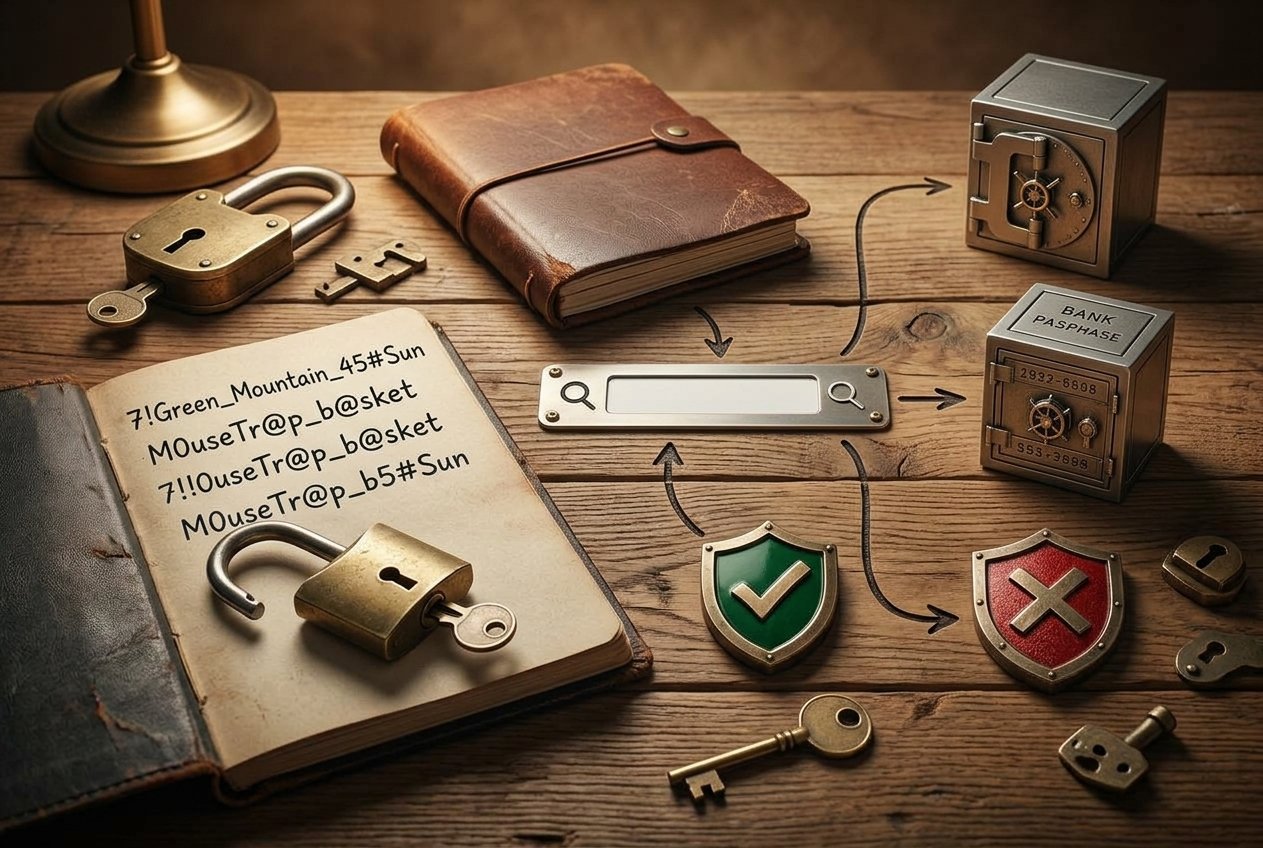
Most of us have too many accounts and too many passwords. So we pick something simple, or we reuse the same one everywhere. That is risky. This guide shows how to create a strong password you can remember, using methods that are easy and safe.
You do not need to be a computer expert. A few simple habits will protect your accounts much better.
What Makes a Password Strong?
A strong password is hard for a person or a program to guess. Three things matter most:
- Length: longer is better. A password of 12 to 16 characters or more is a good goal.
- Uniqueness: every account should have its own password.
- Unpredictability: avoid names, birthdays and common words that people can guess.
Modern security guidance, including advice from the US National Institute of Standards and Technology (NIST), puts more weight on length than on complicated rules. You can read the details in NIST’s digital identity guidelines.
Method 1: Use a Passphrase
A passphrase is a string of several random words. It is long, but easy to remember.
- Pick four or five random words, such as from a book you open at random.
- Put dashes or spaces between them.
- Add a number if you like.
Here is an example: orbit-pencil-canyon-tulip-seven. Do not use this exact one. It is only an example.
The words must be random. A famous quote or a song lyric is easier to guess than you think.
Method 2: Turn a Sentence Into a Password
You can also take a sentence only you know and use the first letters of each word.
- Think of a sentence, such as: “My dog Max eats 2 bowls every morning at 7!”
- Take the first letter of each word and keep the numbers and punctuation.
- You get: MdMe2bema7!
This is shorter than a passphrase, so make the sentence longer if you want a stronger result. Never use a sentence that people who know you could guess.
Method 3: Use a Password Manager for Everything Else
You can remember one or two strong passwords, but not fifty. A password manager solves this. It creates long random passwords for each site and fills them in for you.
You only need to remember one strong master password, which can be a passphrase from Method 1. Many browsers and phones also have a built-in password manager, and these are much better than reusing a password.
What to Avoid
- Personal details: your name, pet’s name, birthday or phone number.
- Common passwords: such as “123456”, “password” or “qwerty”.
- Simple tricks: replacing “a” with “@” or “o” with “0” does not fool modern guessing programs.
- Reusing passwords: if one site leaks your password, attackers will try it on your email, bank and social accounts.
- Sharing passwords in messages or emails.
Add a Second Lock
Even a strong password can be stolen through a fake website or a data leak. That is why you should also turn on two-factor authentication for your important accounts. Our guide on what two-factor authentication is explains how.
If you think an old password might have been exposed, you can check by following our steps on how to check if your email has been in a data breach.
How Often Should You Change Passwords?
You do not need to change a strong, unique password every few months. Current guidance recommends changing it when you have a reason, such as a data breach, a suspicious login or when you shared it with someone.
Frequently Asked Questions
How long should a password be?
Aim for at least 12 to 16 characters. For important accounts like email and banking, longer is better.
Is it safe to write passwords down?
A written password kept in a safe place at home is safer than reusing one password everywhere. Do not keep it near your computer or in your wallet.
Is a password manager safe?
A reputable password manager with a strong master password and two-factor authentication is a safe and popular choice.
Are special characters required?
Not always. Length matters more. Still, many websites ask for them, so you can add a number or symbol when needed.
Conclusion
You can create a strong password you can remember by using a passphrase or a sentence that only you know. Use a password manager for the rest, and never reuse passwords.
Start with your email account today. If your email is safe, your other accounts are much harder to attack.