
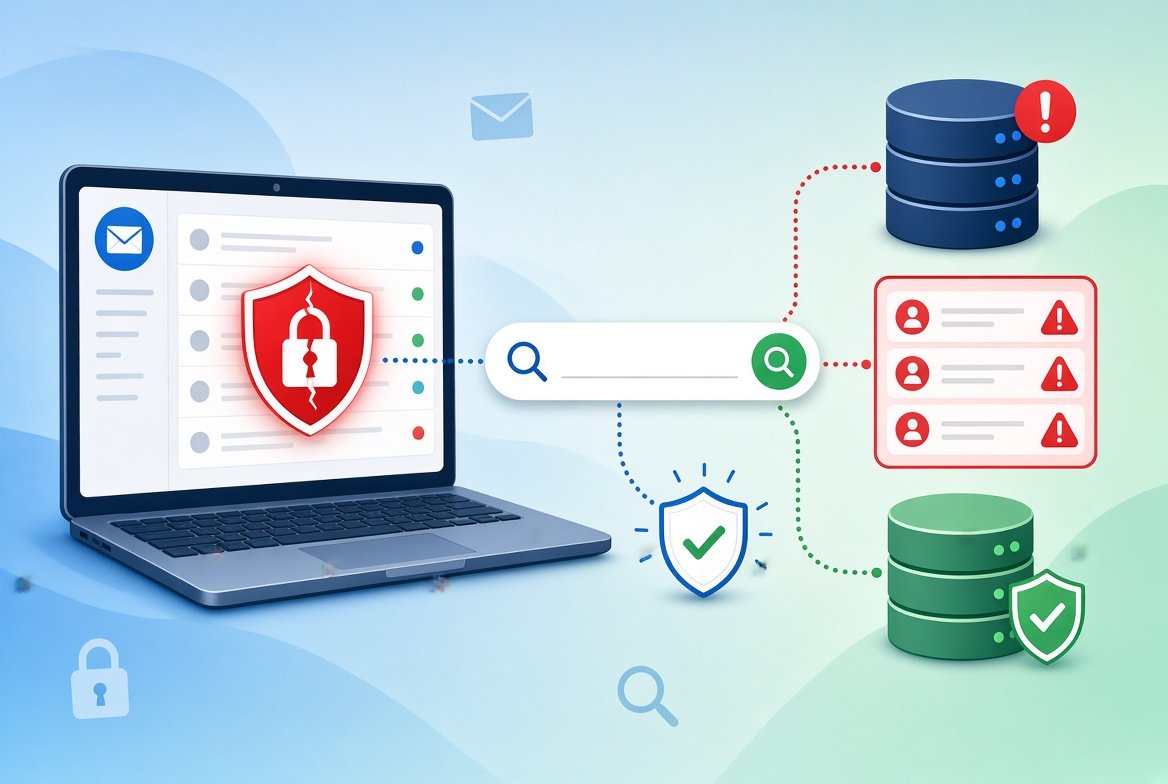
Almost everyone has an email address that has appeared in a leak. This guide shows you how to check if your email has been in a data breach, and what to do if it has.
The steps are free and take only a few minutes.
What Is a Data Breach?
A data breach happens when a company’s systems are hacked or accidentally exposed, and customer information leaks out.
The leaked data can include email addresses, passwords, phone numbers, home addresses and more. It often ends up on websites where criminals trade it.
Being in a breach does not mean your account was hacked. It means some of your information was exposed, so you should take care.
How to Check if Your Email Has Been in a Data Breach
Step 1: Use a Trusted Breach-Checking Website
The most popular free tool is Have I Been Pwned. It collects information from known public breaches.
- Open the website.
- Type your email address into the search box.
- Press the search button.
The site will show a list of breaches that included your email, if any. It also tells you what type of data was exposed.
Check each email address you use, including old ones.
Step 2: Use Your Browser or Password Manager
Many browsers and password managers can warn you when a saved password appears in a known leak.
Look for a section called Password Check, Security Recommendations or Security Dashboard. The name depends on the app you use.
Step 3: Read Your Alerts
Some companies send emails when they discover a breach. Real notices usually do not ask you to click a link and enter your password. If an email looks suspicious, go to the company’s website by typing the address yourself.
What to Do If Your Email Was in a Breach
Do not panic. Take these steps in order:
- Change the password for the affected website right away.
- Change it everywhere else if you used the same password on other sites.
- Use a unique password for each account. A password manager can remember them for you.
- Turn on two-factor authentication. Our guide on what two-factor authentication is explains how.
- Watch your bank and card statements for charges you do not recognize.
- Be extra careful with emails and texts. Criminals use leaked details to make scams look real.
If Sensitive Data Was Exposed
Some breaches include more serious data, such as a Social Security number or financial details.
If you live in the United States, you can place a credit freeze with the three major credit bureaus (Equifax, Experian and TransUnion). A freeze is free and makes it harder for someone to open new accounts in your name.
The US government’s IdentityTheft.gov site explains the recovery steps if your identity is misused.
How to Stay Safe When Checking
- Only enter your email address. A real breach-checking site never needs your password to tell you about a breach.
- Type the website address yourself instead of clicking links in emails.
- Be careful of fake alerts. Scammers send “your account was breached” messages to scare you. Learn the warning signs in our guide on how to tell if a text message is a scam.
Frequently Asked Questions
Is it safe to enter my email on a breach-checking site?
Use a well-known, trusted site and enter only your email address. Never type a password into a breach checker.
Does a breach mean I was hacked?
Not always. It means your information was exposed. Changing your password and turning on 2FA greatly lowers the risk.
How often should I check?
Checking every few months is a good habit. You can also sign up for free alerts on some breach-checking sites.
Can I remove my data from a breach?
Usually not. Once data is leaked, it is hard to remove. That is why strong, unique passwords matter so much.
Conclusion
Checking takes minutes: search your email on a trusted site, change any exposed passwords, and turn on 2FA.
Make it a habit to check a few times a year. Small steps now can prevent big problems later.