
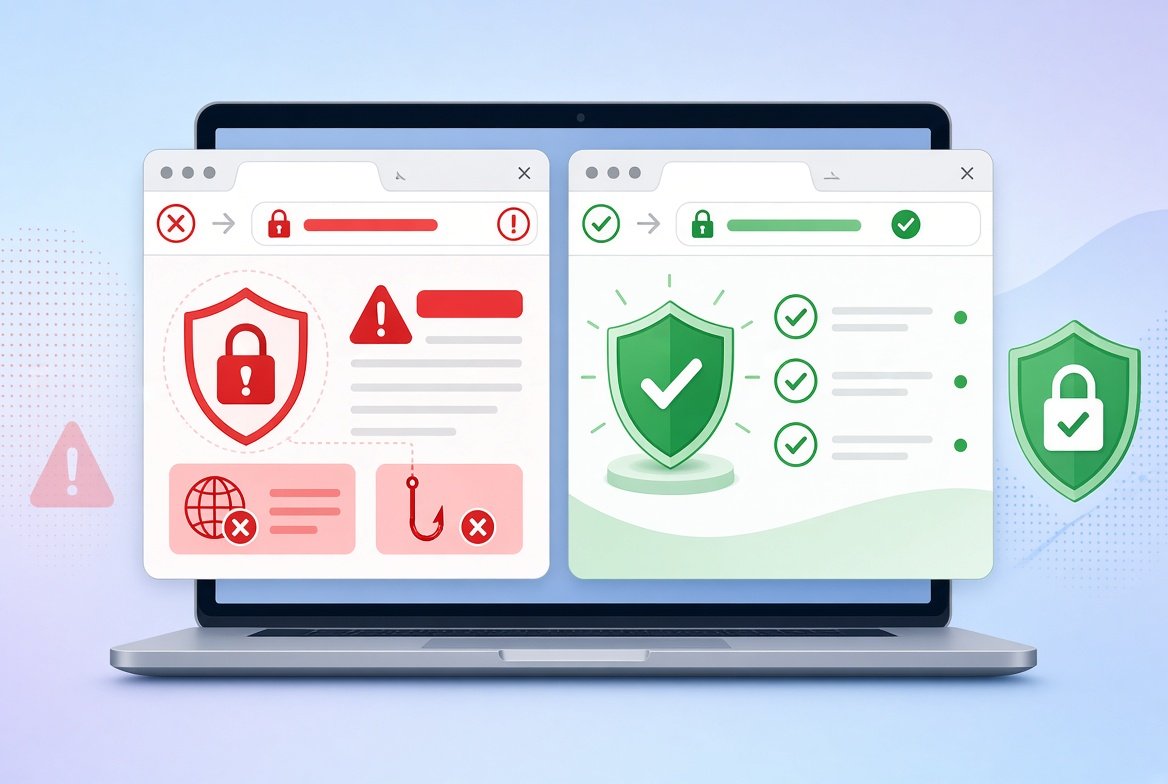
Fake websites look more real every year. They copy logos, use professional photos and even show a padlock in the address bar. Learning how to spot a fake website can protect your money, your passwords and your personal information.
This guide shows 9 clear warning signs and a few quick checks you can do in minutes.
How to Spot a Fake Website: 9 Warning Signs
1. The Web Address Looks Slightly Wrong
Fake sites often copy a real name with small changes. Look for extra letters, swapped letters or unusual endings, such as “amaz0n-deals.com” instead of “amazon.com”.
Always read the address carefully before you type any details. When possible, type the address yourself instead of clicking a link.
2. The Price Is Too Good to Be True
A brand-new phone for half the normal price, or a huge “90% off” sale on a famous brand, is a classic trap. If a deal feels unbelievable, it probably is.
3. There Is Pressure to Act Fast
Countdown timers, “only 2 left” banners and “your offer ends in 5 minutes” messages try to rush you. Scammers do not want you to stop and think.
4. Strange Payment Options
Be careful if a site only accepts bank transfers, gift cards or cryptocurrency. These methods are very hard to reverse. In many places, credit cards give stronger dispute rights than debit cards or direct transfers.
5. No Real Contact Information
A real business shows a physical address, a phone number or a working email, and these should look real. Check that the contact page exists and that the details make sense.
6. Missing or Copied Policies
Look for a clear return policy, shipping information, privacy policy and terms. If the pages are missing, full of errors or look copied from another store, be careful.
7. Poor Grammar and Design
Spelling mistakes, odd wording and blurry images can be signs of a rushed fake site. Remember that some fake sites look perfect, so do not rely on this sign alone.
8. The Site Is Very New
You can check when a domain was registered using the free ICANN Lookup tool. A shop that claims to be “since 1998” but was registered last month is a red flag. A new site is not always fake, but it deserves extra care.
9. Suspicious Reviews
Many fake stores show glowing reviews on their own pages. Search the store’s name together with words like “reviews” or “scam” on other sites, and check independent sources.
Does the Padlock Mean a Website Is Safe?
No. The padlock and “https” only mean the connection between you and the site is encrypted. Free security certificates are easy to get, so scammers use them too.
The padlock does not tell you that the business is honest. It is a basic requirement, not proof of trust.
Quick Checks You Can Do in Minutes
- Check the address letter by letter.
- Search for the business name and read independent reviews.
- Look up the domain age with a lookup tool.
- Check Google’s site status using the Google Safe Browsing site checker. It shows whether Google has flagged a site as unsafe, but a clean result is not a guarantee.
- Test the contact details. See if the address exists on a map.
- Pay safely. Use a credit card or a trusted payment service.
Where Fake Website Links Come From
Most people do not find fake websites by accident. They reach them through links in emails, ads or messages that look urgent. If you receive a text asking you to click a link, read our guide on how to tell if a text message is a scam.
What to Do If You Already Entered Your Details
- Stop and close the page. Do not enter anything else.
- Change your password on the real website, and anywhere else you used the same one. If you need ideas for a new one, see how to create a strong password you can remember.
- Call your bank or card company if you shared payment details. Ask them to block or replace the card.
- Watch your statements for charges you did not make.
- Report the site to the Federal Trade Commission at ReportFraud.ftc.gov if you are in the United States.
Frequently Asked Questions
Can a fake website steal my information just by visiting it?
Usually the danger starts when you enter details or download something. But some malicious sites try to install harmful software, so leave a site quickly if it looks suspicious.
Is a new website always fake?
No. New shops can be honest. A new domain together with other warning signs, such as huge discounts, is what should worry you.
How can I check if an online store is real?
Check the address, read independent reviews, look at the domain age, find real contact details and pay with a protected method.
Are all sites with “https” safe?
No. “https” only means the connection is encrypted. It does not prove the site is honest.
Conclusion
To spot a fake website, check the web address, be careful with deals that are too good, look for real contact details and policies, and do not trust the padlock alone.
A few minutes of checking before you pay can save you a lot of money and stress.