
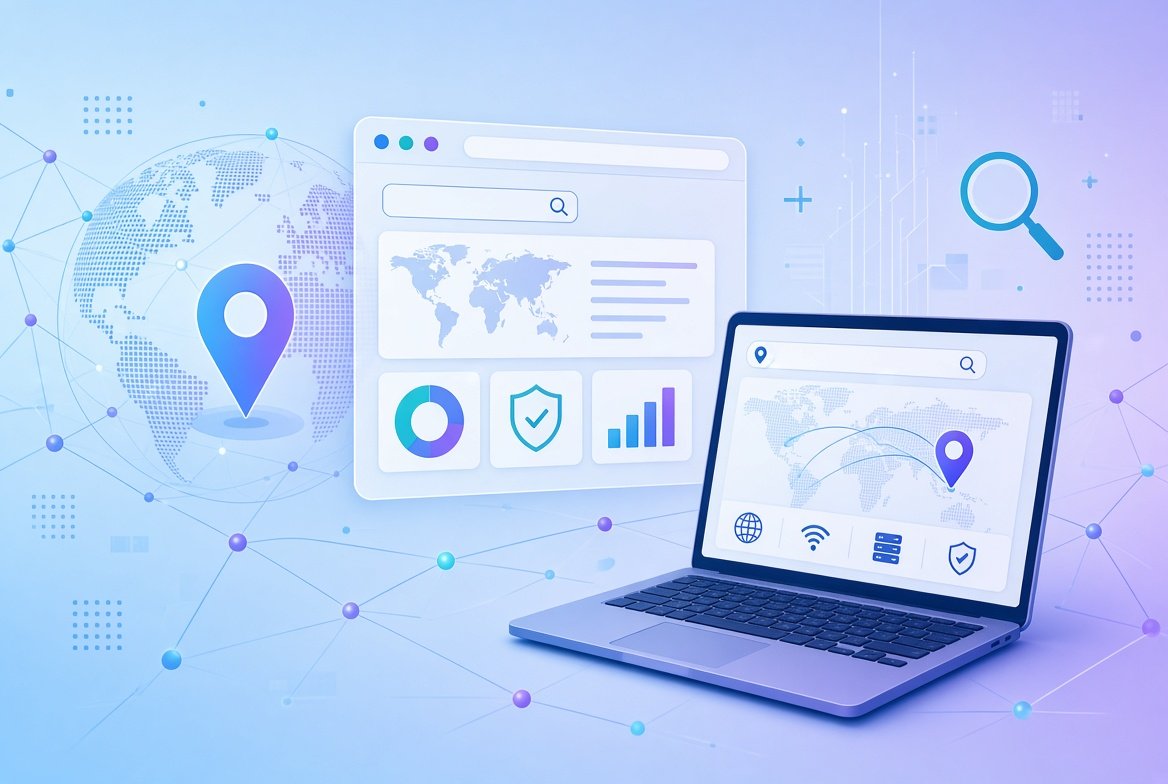
If you search for “IP2 online”, you will find a mix of results. Some are about IP address tools, some are about location data, and some are just confusing. This guide explains what IP2 online usually means, how IP addresses and lookup tools work, and how to check your IP safely.
You do not need technical knowledge. We keep everything in simple words.
What Does “IP2 Online” Mean?
“IP2 online” is not one single official product. People use the phrase for a few different things:
- IP2, a small Windows program. It is a lightweight, portable utility that shows your computer’s local and public IP address. Software sites describe it as a free tool that is quite old.
- IP2Location, an IP data company. It provides IP geolocation databases and services for businesses, and says it has done so since 2002.
- Online IP lookup tools in general. Many people simply use the words to describe a website where you can check an IP address.
Some websites describe “IP2 online” as a big new technology. Be careful with such pages. Most of them give vague information without clear sources.
What Is an IP Address?
An IP address (Internet Protocol address) is a number that identifies a device on a network. It works a bit like a postal address for the internet. Data needs an address so that it knows where to go.
Public and Private IP Addresses
- Public IP address: the address your internet provider gives your home or phone connection. Websites see this one.
- Private IP address: the address your router gives each device in your home, such as your phone or laptop.
IPv4 and IPv6
Older addresses (IPv4) look like four numbers separated by dots. Newer addresses (IPv6) are longer and use letters and numbers. Both are in use today.
What Does an IP Lookup Tool Show?
An IP lookup tool can usually show:
- The country, region and often the city the IP is linked to.
- The internet provider (ISP) or organization.
- Whether the address looks like a proxy or VPN.
- Sometimes the time zone.
It does not show your exact home address, your name or what you do online. Location results are estimates. They are often only accurate to the city level, and sometimes they are wrong.
How to Check Your IP Address
In Your Browser
Search “what is my IP address” in a search engine. Your public IP address will usually appear at the top of the results.
On Windows
Open the Command Prompt and type ipconfig. Look for “IPv4 Address” to see your private address.
On a Mac
Open System Settings > Network, choose your connection and look for the IP address.
On an iPhone
Open Settings > Wi-Fi, tap the “i” next to your network, and look under IP Address.
Why Would You Want to Check an IP Address?
- To troubleshoot internet problems.
- To set up a printer, a camera or a game server.
- To see which location a website thinks you are in.
- To check where a suspicious login attempt came from.
Is It Safe to Use Online IP Tools?
Looking up an IP address is usually harmless, since IP addresses are not secret. But take these precautions:
- Use well-known tools. Avoid unknown sites that ask you to install software.
- Do not enter passwords or personal details. A real lookup tool never needs them.
- Be careful with fake tools. Scam websites copy popular tool names. Read our guide on how to spot a fake website.
- Do not rely on location results. They can be inaccurate.
Can Someone Hack You With Your IP Address?
An IP address alone is not enough to hack your device. But it can show your general location and your internet provider. Attackers can also use it to try to find weak spots, such as open ports or old router software.
Keep your router and devices updated, and use strong passwords. If you want extra privacy on open networks, a reputable VPN can hide your real IP address from the websites you visit. Our article on using public WiFi safely explains when a VPN helps and where its limits are.
What About IP2Location?
IP2Location is a company that sells IP data. Businesses use this kind of data to show local content, block unwanted traffic or flag risky visits. You can read the company’s own description on the IP2Location information page.
As a normal user, you usually do not need to buy any of this. A free lookup tool is enough.
Frequently Asked Questions
What is IP2 online?
It is not a single official product. People use the term for a small Windows IP tool, for the IP2Location data company or for online IP lookup tools.
Can an IP lookup show my exact address?
No. It shows an approximate location, often at the city level, and the name of your internet provider.
Is my IP address private?
Websites you visit can see your public IP address, so it is not private. But it does not reveal your name or home address.
Does a VPN change my IP address?
Yes. A VPN shows the VPN server’s IP address to websites instead of yours. It does not make you completely anonymous.
Why does my IP location look wrong?
Location data is based on estimates and provider records, so it can be outdated or point to a nearby city.
Conclusion
“IP2 online” is a vague phrase that usually points to IP address tools, IP lookup services or the IP2Location data company.
Remember the basics: an IP address is not a secret, a lookup gives only an approximate location, and the safest approach is to use trusted tools and keep your devices updated.