
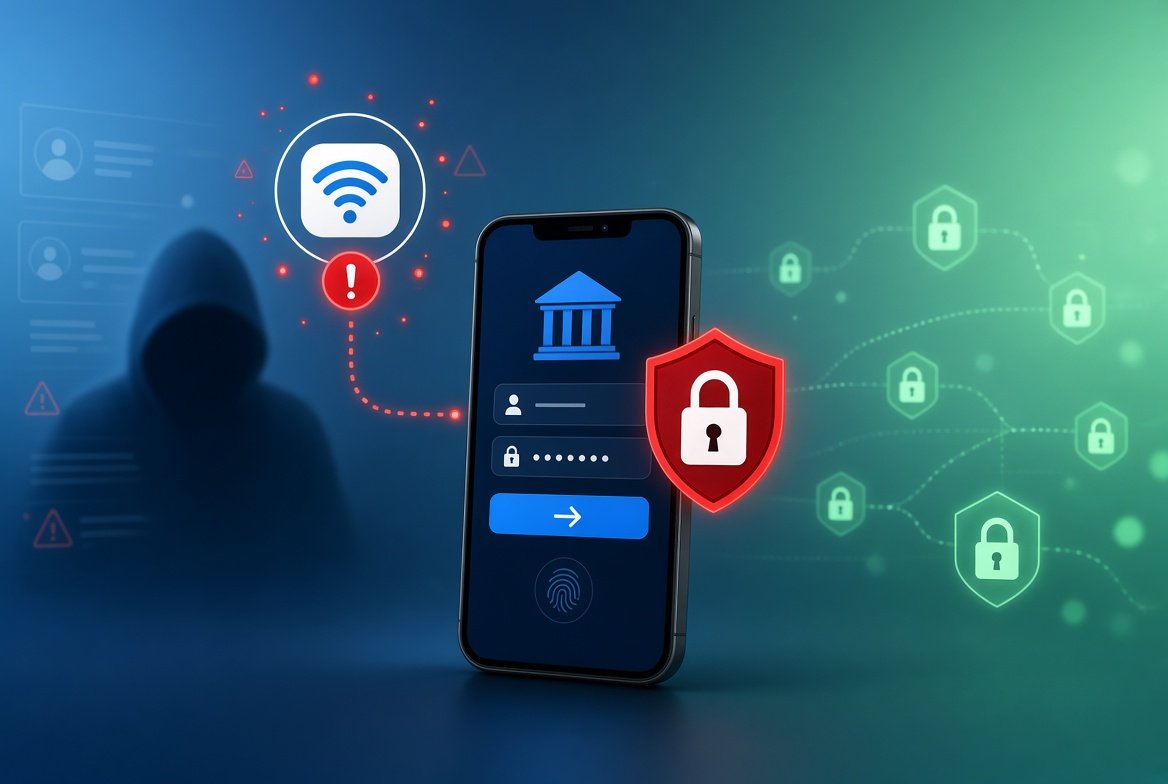
Cafes, airports and hotels all offer free WiFi. But is it safe to use public WiFi for online banking? The short answer is: it is safer than it used to be, but it is not risk-free.
This guide explains the real risks in plain words and shows how to protect your money.
The Short Answer
If you must use public WiFi, banking through your bank’s official app or its secure website is lower risk today than it was years ago.
Still, the safest choice is to use your phone’s mobile data for banking. That way you skip the risk of an unknown network completely.
Why Public WiFi Was Considered Dangerous
On an open network, other people on the same WiFi may be able to see unprotected data moving across it.
Years ago, many websites did not encrypt (scramble) the data you sent. That made it easy to spy on logins and messages.
What Has Changed
Most websites, and all banks, now use HTTPS. This encrypts the information between your device and the website. Even if someone is on the same network, they cannot easily read it.
Banking apps also use encryption. This is why a normal banking session on public WiFi is much less risky than it used to be.
The Risks That Still Exist
Fake WiFi Hotspots
A criminal can create a WiFi network with a believable name, like “Airport Free WiFi”. If you connect, they can try to see your traffic or send you to fake pages. This is sometimes called an “evil twin” attack.
Fake Login Pages
A fake hotspot may show a page that looks like your bank. If you type your login details, they go straight to the criminal.
Outdated Devices
If your phone or laptop is missing security updates, it is easier to attack, no matter which network you use.
People Watching Your Screen
In busy places, someone nearby may simply look over your shoulder.
How to Bank More Safely on Public WiFi
If you cannot avoid public WiFi, follow these steps:
- Use mobile data instead for anything involving money, if you can.
- Use your bank’s official app rather than clicking links in emails or texts.
- Check the website address. It should start with https:// and match your bank exactly. Remember, a padlock alone does not prove a site is real.
- Confirm the network name with the staff before you connect.
- Turn off auto-connect to open WiFi networks in your phone settings.
- Keep your phone and apps updated.
- Log out when you finish, and forget the network afterwards.
Turn On Extra Protection
Two-factor authentication gives your bank account a second lock. Even if someone steals your password, they still cannot log in. Learn how it works in our guide on two-factor authentication in simple words.
Also, turn on account alerts so your bank texts or emails you about large or unusual transactions.
Should You Use a VPN?
A VPN encrypts your internet traffic and can add a layer of protection on public networks. A trusted, paid VPN from a reputable company may help.
But a VPN is not magic. It does not protect you from fake login pages or scam messages. Free VPNs can also be risky, because some collect your data.
Use a VPN as an extra step, not a replacement for the safe habits above.
Other Tips for Everyday Safety
- Avoid shopping or banking on shared computers, such as hotel business centers.
- Do not click links in unexpected messages. Read how to tell if a text message is a scam to spot common tricks.
- Check your bank statements often.
For more consumer safety advice, you can visit the Federal Trade Commission’s consumer site.
Frequently Asked Questions
Can hackers see my bank password on public WiFi?
On a normal HTTPS website or banking app, it is very hard. The bigger danger is typing it into a fake page or connecting to a fake hotspot.
Is mobile data safer than public WiFi?
Yes, in most cases. Mobile data does not involve an unknown network, so there is less risk.
Is a password-protected WiFi safe?
A password helps, but it is still shared with other people. Treat it as public and follow the same safety steps.
Conclusion
So, is it safe to use public WiFi for online banking? Often it is reasonably safe if you use your bank’s app, check addresses, and keep your device updated. But mobile data is safer still.
Turn on two-factor authentication and account alerts, and your money will be much better protected wherever you are.