
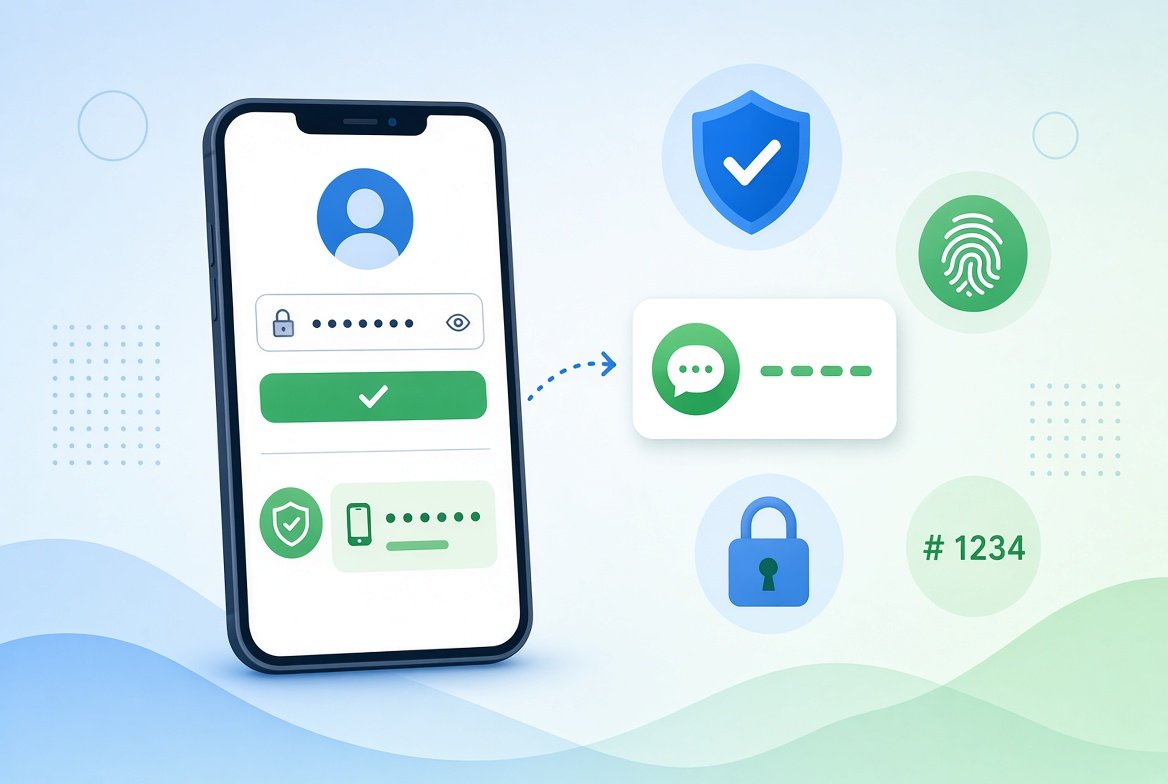
Passwords alone are no longer enough to keep accounts safe. This guide explains what is two-factor authentication in simple words, how it works, and how you can turn it on today.
You do not need any technical skills. If you can type a code from your phone, you can use it.
What Is Two-Factor Authentication in Simple Words?
Two-factor authentication (2FA) means you prove who you are in two different ways when you log in.
The first way is usually your password. The second way is something else, such as a code sent to your phone.
Think of it like a house with two locks. Even if someone steals one key, they still cannot get in.
Why a Password Alone Is Not Enough
Passwords can be stolen in many ways. Here are the most common:
- Data breaches: a company is hacked and passwords leak online.
- Phishing: a fake email or text tricks you into typing your password on a fake website.
- Reused passwords: one leaked password is tried on your other accounts.
With 2FA turned on, a stolen password is not enough. The attacker also needs your second factor.
How Two-Factor Authentication Works
The steps are simple:
- You enter your username and password.
- The website asks for a second proof, such as a six-digit code.
- You enter the code, and you are logged in.
Most sites only ask for the second step when you log in from a new device. So it rarely slows you down.
Common Types of 2FA
Text Message Codes (SMS)
The site sends a code to your phone number. This is easy to use, and most people already have it available.
It is the weakest type of 2FA. Criminals can sometimes trick a phone company into moving your number to their SIM card. It is still much better than no 2FA.
Authenticator Apps
An app on your phone, such as Google Authenticator or Microsoft Authenticator, creates a new code every 30 seconds or so.
These codes do not travel by text message, so they are harder to steal.
Security Keys
A security key is a small physical device you plug in or tap on your phone. It is one of the strongest options, but you need to buy one.
Passkeys
Passkeys are a newer option. They let you log in with your fingerprint, face or phone lock instead of a password. Many big websites now support them.
Which Type Should You Choose?
In general, security keys and authenticator apps are safer than text messages.
But the best choice is the one you will actually use. Text message 2FA is still far better than having none.
How to Turn On Two-Factor Authentication
The exact menu names differ from site to site, but the steps are usually similar:
- Log in and open your account Settings.
- Look for Security, Login or Privacy and Security.
- Choose Two-factor authentication or 2-step verification.
- Pick your method (an authenticator app is a good choice).
- Follow the on-screen steps and save your backup codes.
Start with your most important accounts: email, banking, cloud storage and social media. Your email matters most, because many sites let you reset passwords through it.
The US cybersecurity agency CISA also explains this in its multi-factor authentication guide.
Smart Tips for Using 2FA Safely
- Save your backup codes in a safe place. You will need them if you lose your phone.
- Never share a code with anyone. Real companies will not ask for it.
- Be careful with unexpected prompts. If you get a login request you did not start, deny it and change your password.
- Use unique passwords for each account.
If you are worried your password has already leaked, read our guide on how to check if your email has been in a data breach.
Also, think twice about logging in to important accounts on open networks. Our article on public WiFi and online banking explains the risks.
Frequently Asked Questions
Is 2FA the same as MFA?
Almost. MFA (multi-factor authentication) means two or more proofs. 2FA is the most common form of MFA, using exactly two.
Can 2FA be hacked?
No method is perfect. Criminals can still try tricks like fake login pages. But 2FA makes an attack much harder, so it is well worth using.
What if I lose my phone?
Use your saved backup codes to log in, then set up 2FA again on your new phone. This is why saving backup codes is important.
Conclusion
Two-factor authentication is one of the easiest ways to protect your accounts. It adds a second lock that stops most password-only attacks.
Turn it on for your email first, then your bank and social accounts. It only takes a few minutes, and it can save you a lot of trouble.